
How to save in JPEG instead of HEIC. This will obviously result in JPEGs being shared from your iPhone, but it also means you lose the benefits that HEIC brings.
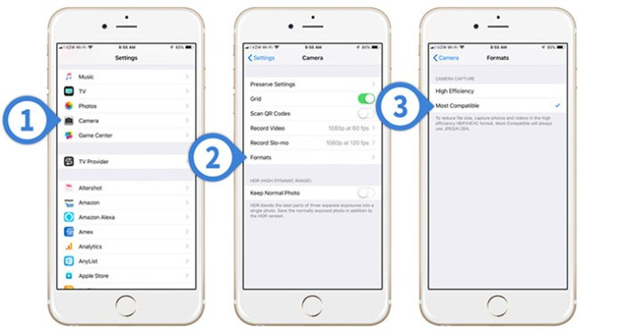
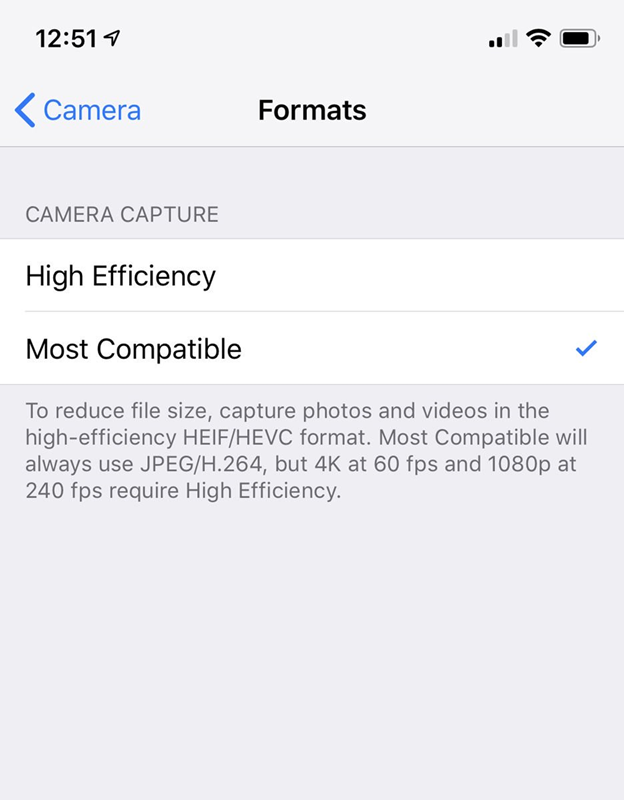
Still, if you’re set on this course of action, go to Settings > Camera > Formats. The option ‘High Efficiency’ means HEIC. ‘Most Compatible’ means Jpeg.
[FROM https://www.macworld.co.uk/how-to/iphone/share-jpeg-heic-3693232/]