
Table of Contents
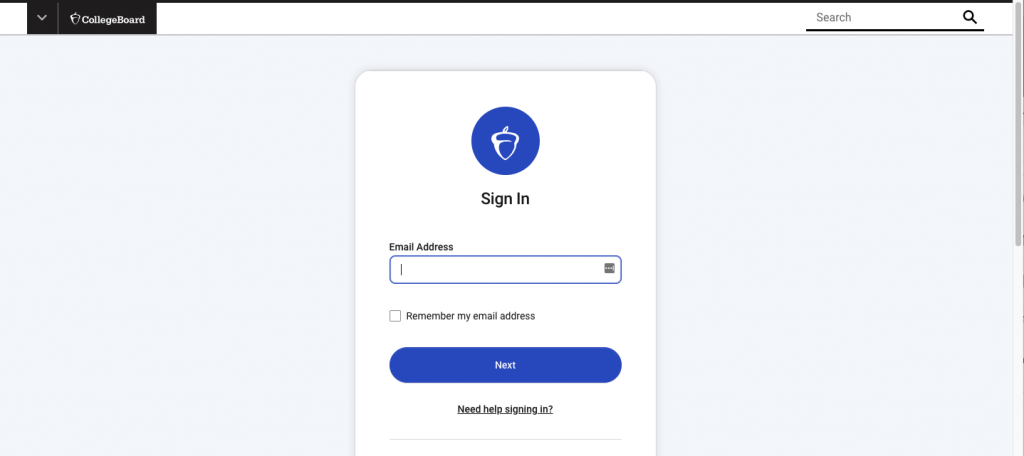
Tip #1 – Verify your login information #
If you need to reset your password, follow these steps:
Go to the College Board homepage and click Sign In.
Enter your full email address
Click Need Help Signing In and select Forgot Password?
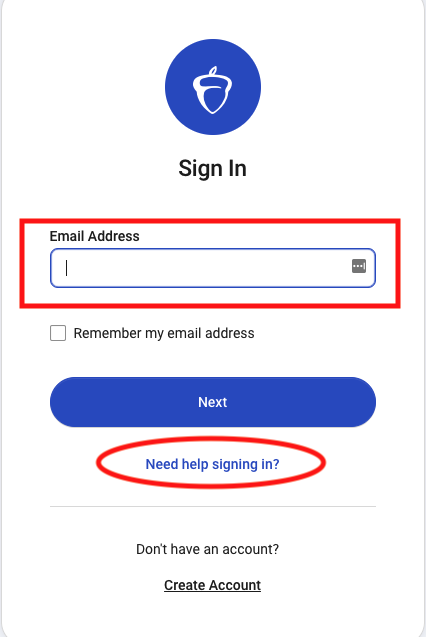
Enter your email and click Email Reset Link.
Open the Account password reset message email in your Outlook email and click RESET PASSWORD.
A new browser window will open where you can create your new password.
Tip #2 – Make sure your MacBook language is in English (and restart your computer) #
Tip #3 – Try another browser like Firefox or Safari #
If you are still having issues, please email apexams-intl@info.collegeboard.org or call +1-212-632-1780 Monday – Friday 9AM-PM ET (Eastern Standard Time)
If you call or email and receive a case number, please contact Ms. Fung (efung@ncpachina.org) so that she can further assist you.