While PowerSchool automatically calculates student standard scores and the overall course grade, a teacher’s judgement is the final determinant of a student’s grade. Teachers may sometimes wish to override the automatically calculated grade. In order to do so,
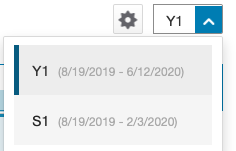
1. In the top right of PowerTeacher Pro, choose the term: Y1 for the final score of a semester-long or year-long course, or S1 for the semester 1 grade in a year-long course.
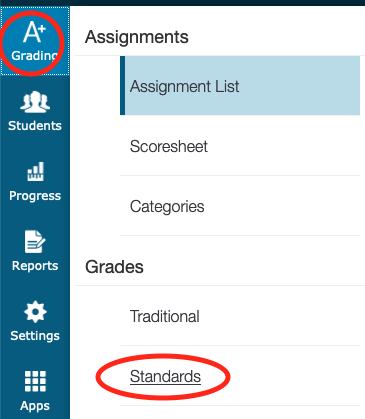
2. Go to Grading > Grades> Standards
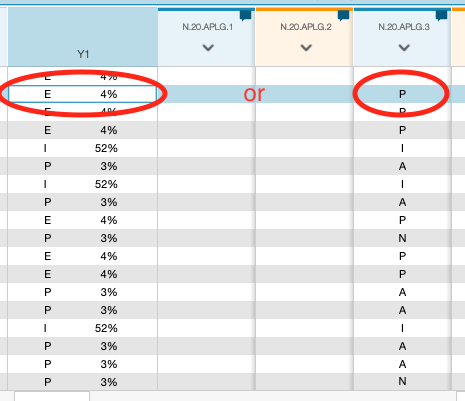
3. If you want to change the final course grade, click on the student’s cell in the Y1/S1 column. If you want to change the score for a standard, click in the student’s cell in the applicable standard column.
4. Use the keypad on the right side of the screen to choose a new override grade. When you override the grade, you’ll notice a gray triangle appear in the top-left corner of the cell.
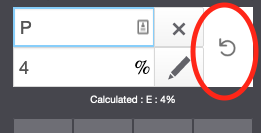
5. To remove a grade override, click the circular back arrow. Grade overrides persist until the teacher manually removes them.