From the Staff Portal, you can find a link to your Summer Checkout Form under HR & Finance.
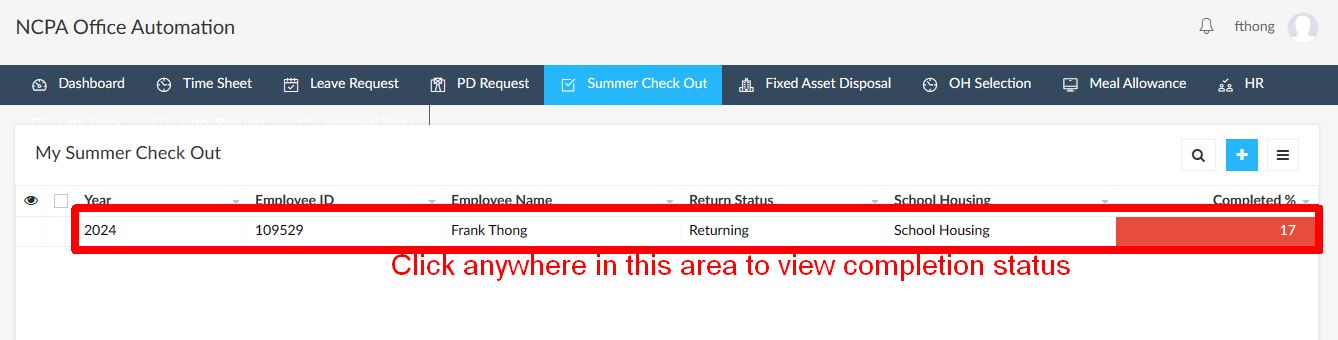
1. Click anywhere in the red box to display the progress box.
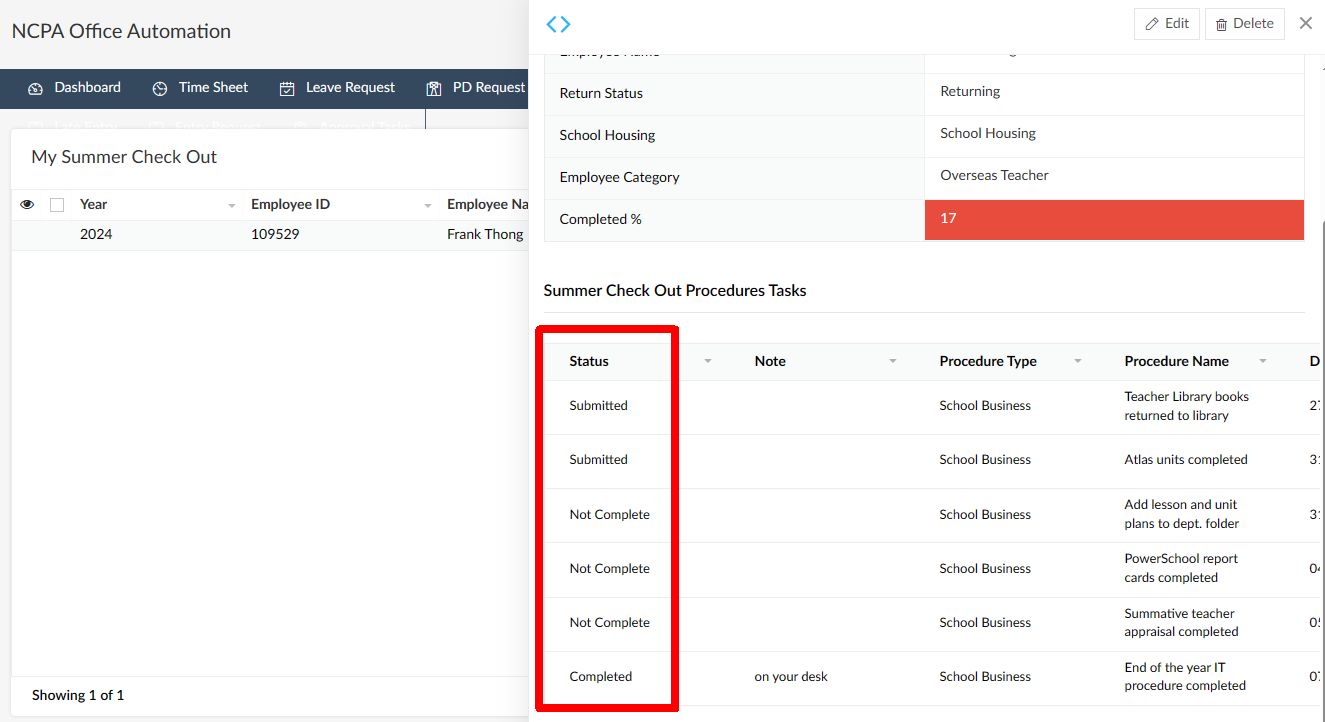
2. In the progress box, you’ll see the status of submitted, not complete, and completed items.
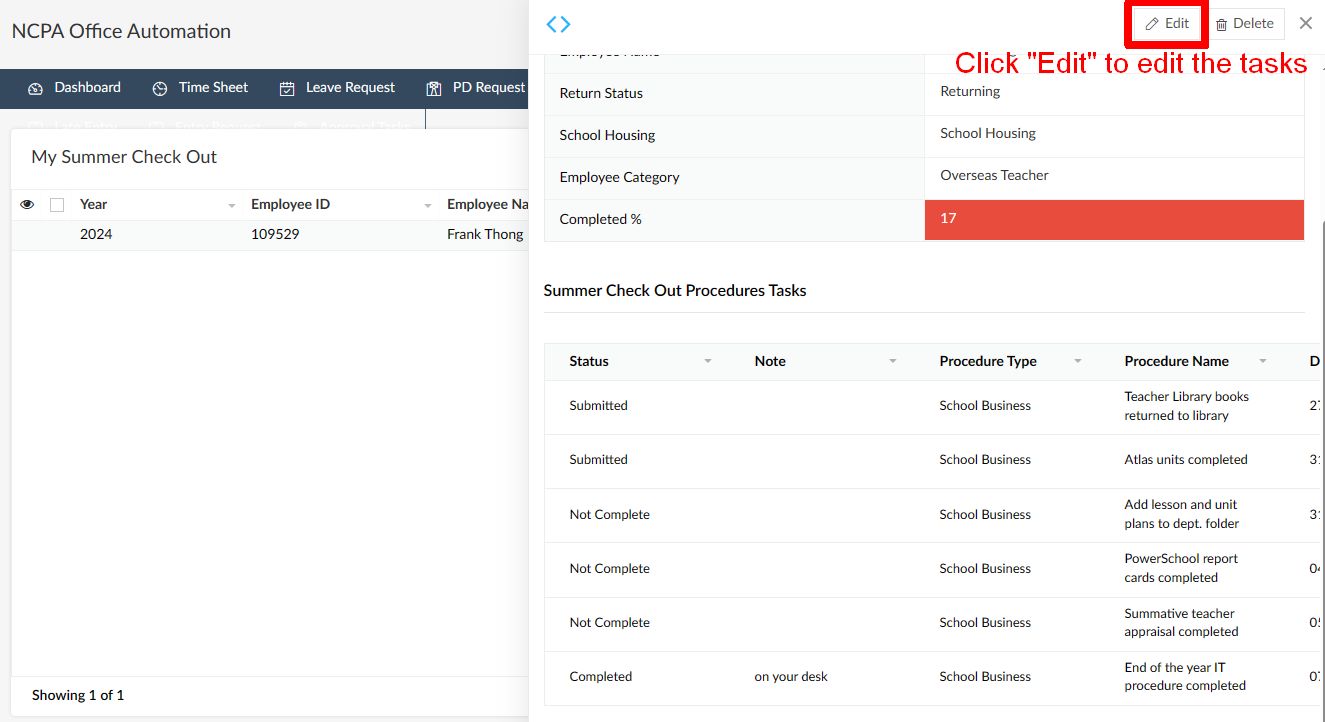
3. To edit the tasks, click on the Edit button on the top right side.