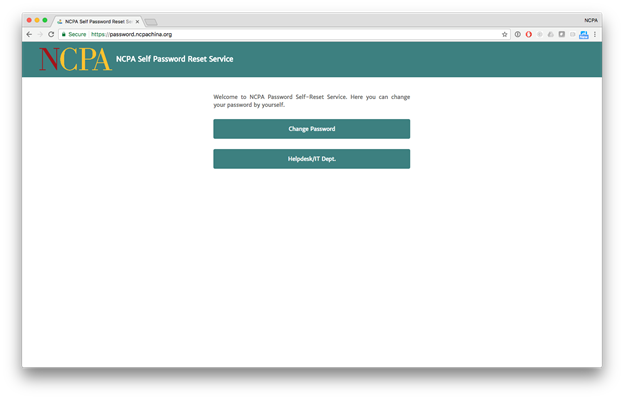
1. Visit https://password.ncpachina.org and click on Change Password
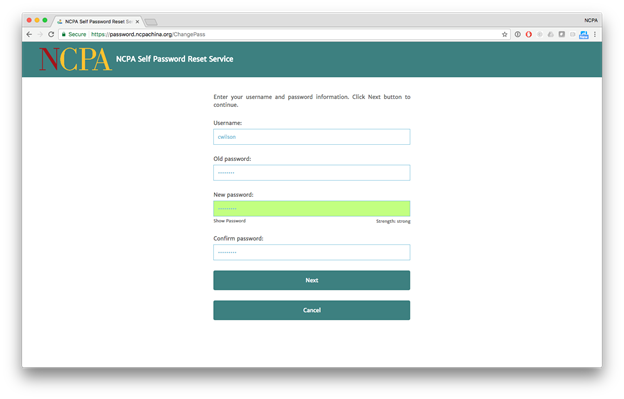
2. Enter your Username. It is the same as the first part of your email address. Then, enter your Old passsword. Finally, Choose a New password and confirm it. It must follow these rules:
—At least 7 characters
—Includes a number or symbol
—Includes an uppercase letter
—Includes a lowercase letter
—Does not include your name or the word “password”
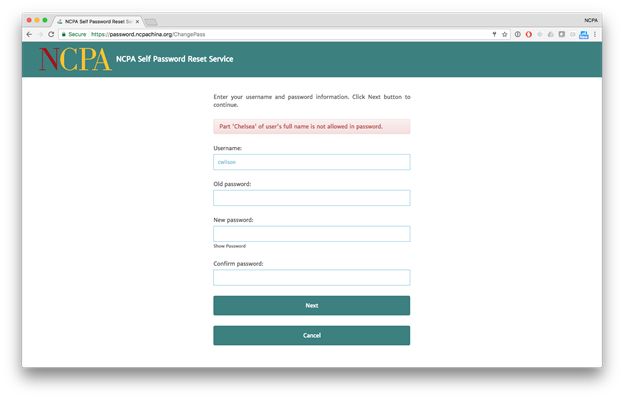
If your password is not acceptable, the system will give you an error message explaining why it was rejected.
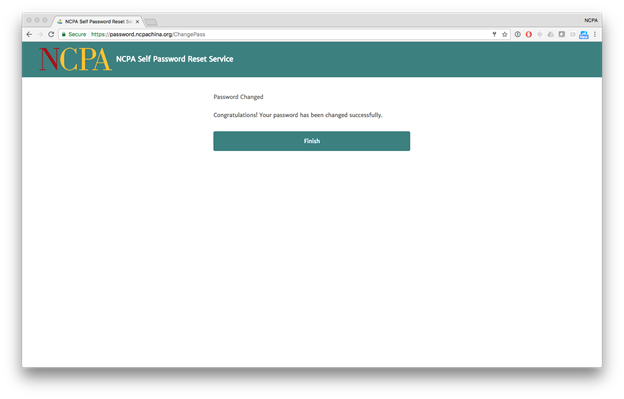
3. The system will inform you that your password has been changed successfully.