
NCPA uses Clever to provide single sign-on access to a number of educational software packages, including Gradecam, Zoom, and Atlas. If you access Atlas via Clever, you don’t have to remember a separate password for Atlas. Logging in via Clever requires a two-minute one-time setup process where you log in with Clever, and then enter your Rubicon Atlas username and password.
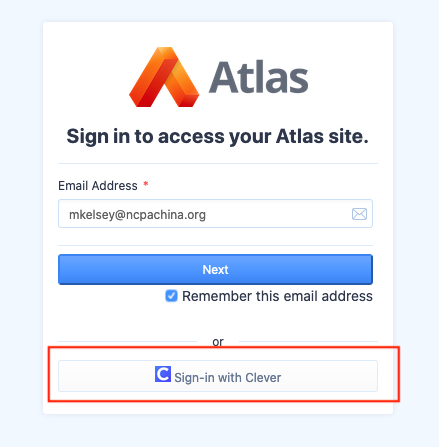
1. When logging in to Atlas, choose the Sign-in with Clever button or simply click here.
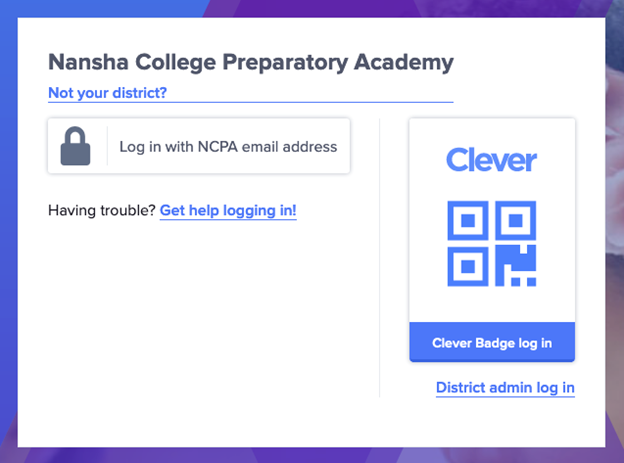
2. The web page will redirect you to Clever. Enter Nansha College Preparatory Academy as the school and then click Log in with NCPA email address
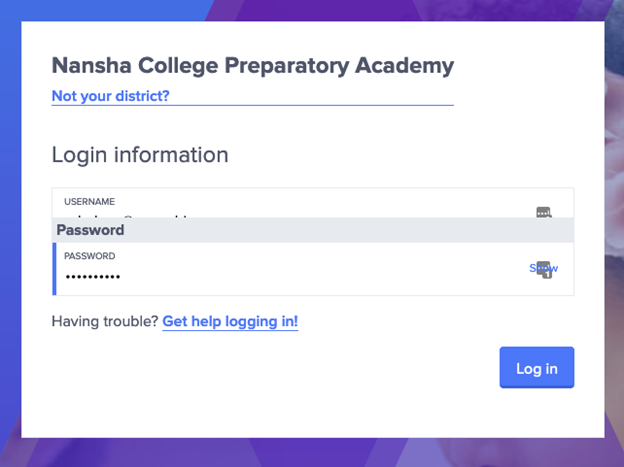
3. Enter your NCPA e-mail address and your NetID password.
4. Enter your NCPA e-mail address again.
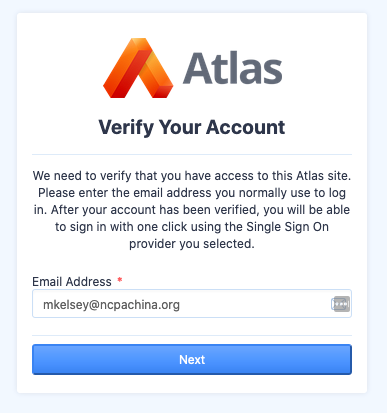
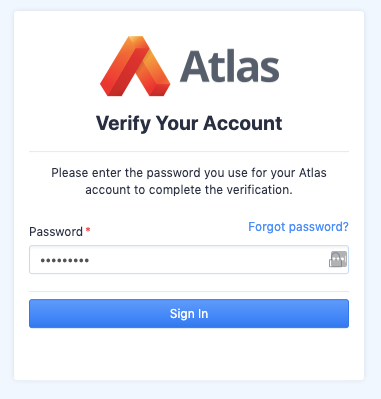
5. Enter your Rubicon Atlas password. If you forgot your password, click Forgot Password? to reset your Rubicon Atlas password.
6. You’ll be directed to the Rubicon Atlas dashboard. In the future, when you log in, simply choose the Sign-in with Clever option. You won’t need to remember your Rubicon Atlas password, because Clever lets you log in with your NCPA NetID credentials.