
VooV Meeting – a video conferencing tool that will be used in the event that the Virtual School Plan is activated. VooV is the international version of Tencent Meeting. The platform is in English and requires a non-Chinese phone number (with the ability to receive a text message) to activate the account. If you do not have the capability to receive a text message from a non-Chinese phone number, you will need to download Tencent Meeting.
Tencent/VooV work interchangeably. The only difference is that VooV Meeting is the international version of Tencent Meeting and is available in English.
Installation
Download VooV Meeting HERE – scroll down to see options for MacOS, iOS, Windows, or Android.
Account Set-up
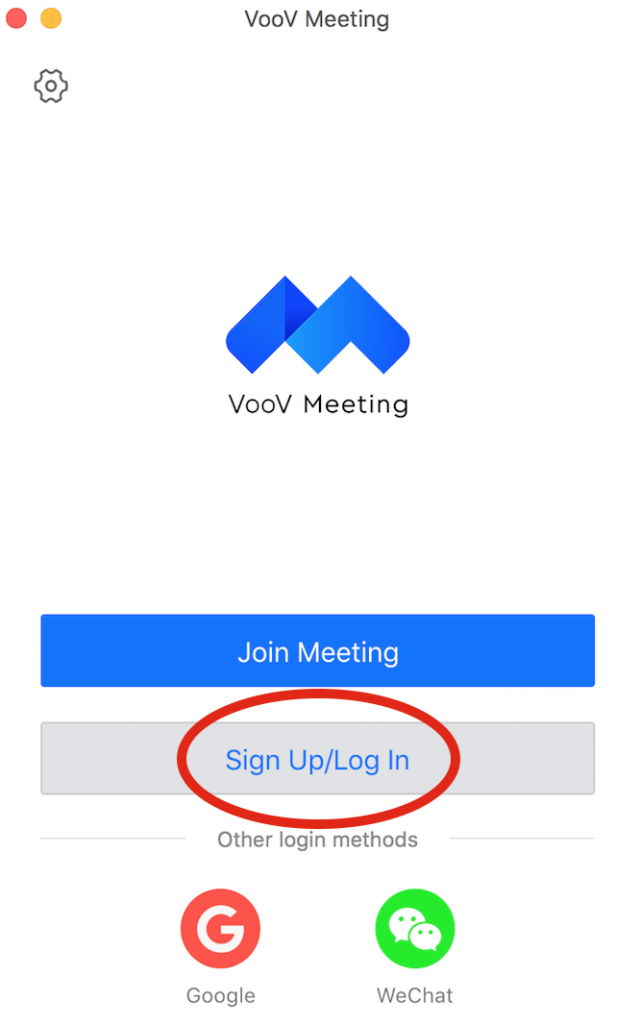
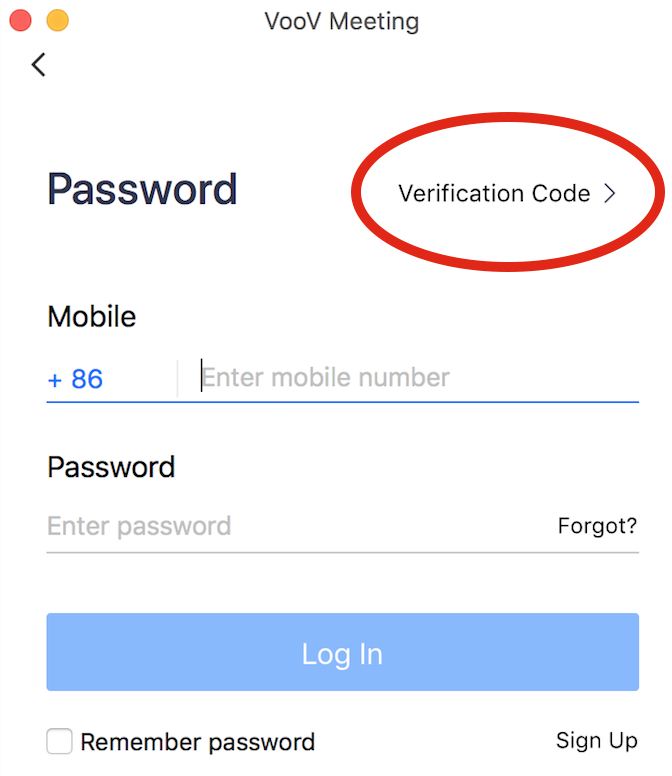
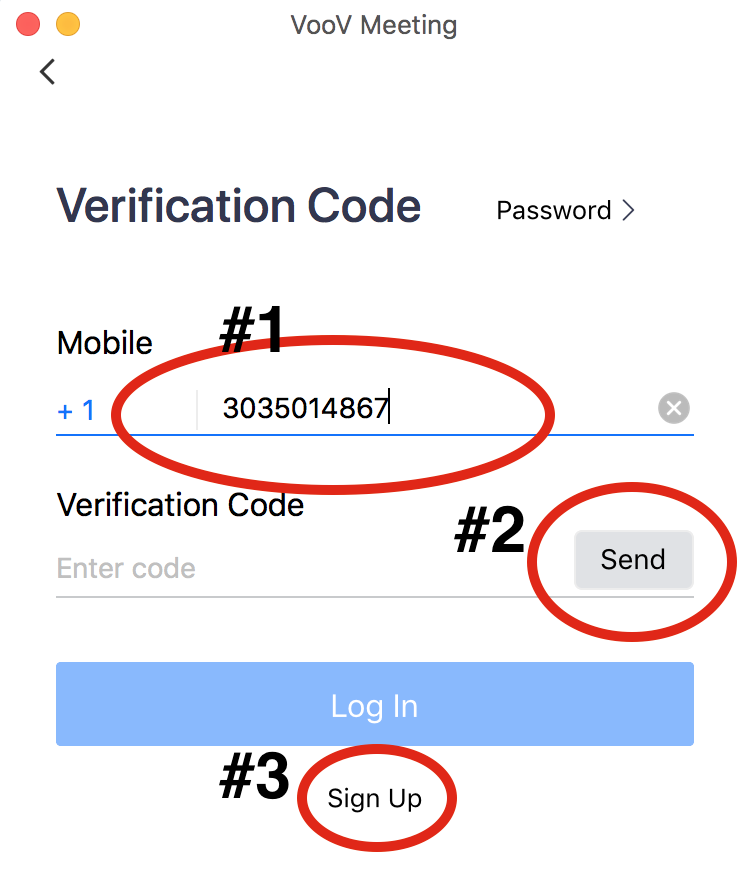
#1 – Enter your non-Chinese phone number – update country code as needed
#2 – Click send to receive your Verification Code
#3 – Click “Sign Up
You will be prompted to create a password.
You can begin using VooV Meeting now!