
- Where is the NCPA Software Center? Here is the download Link http://go.ncpachina.org/sc
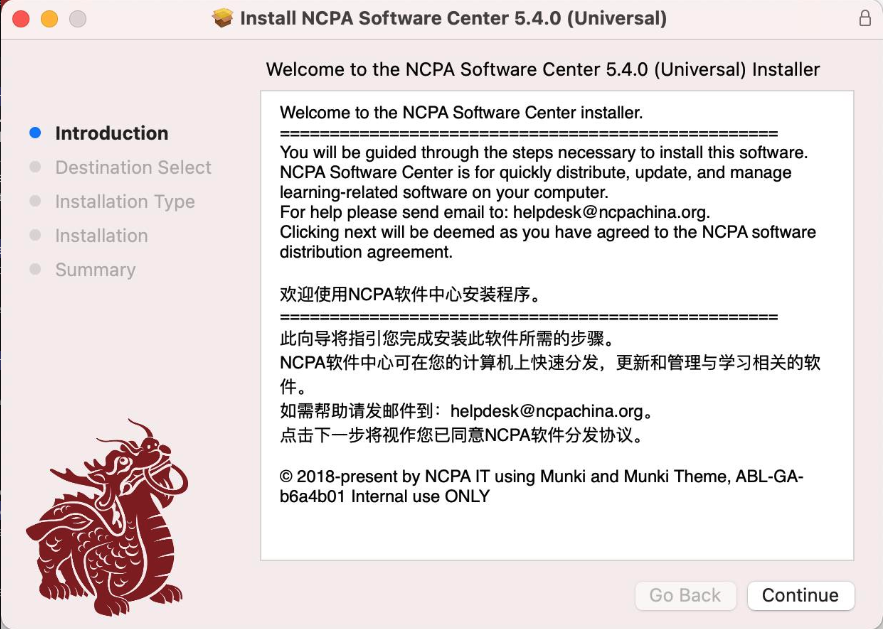
2. Install the app follow the on screen instructions
3. Run the app which looks like
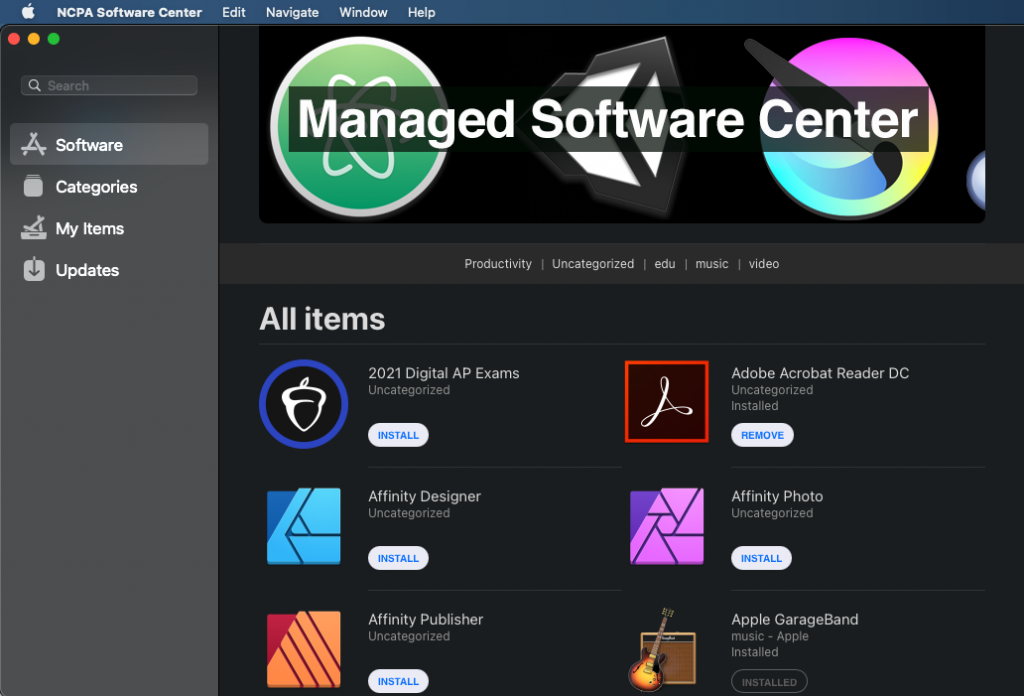
4. Find the app you wanted, Click INSTALL button near the app to add it to your installation list
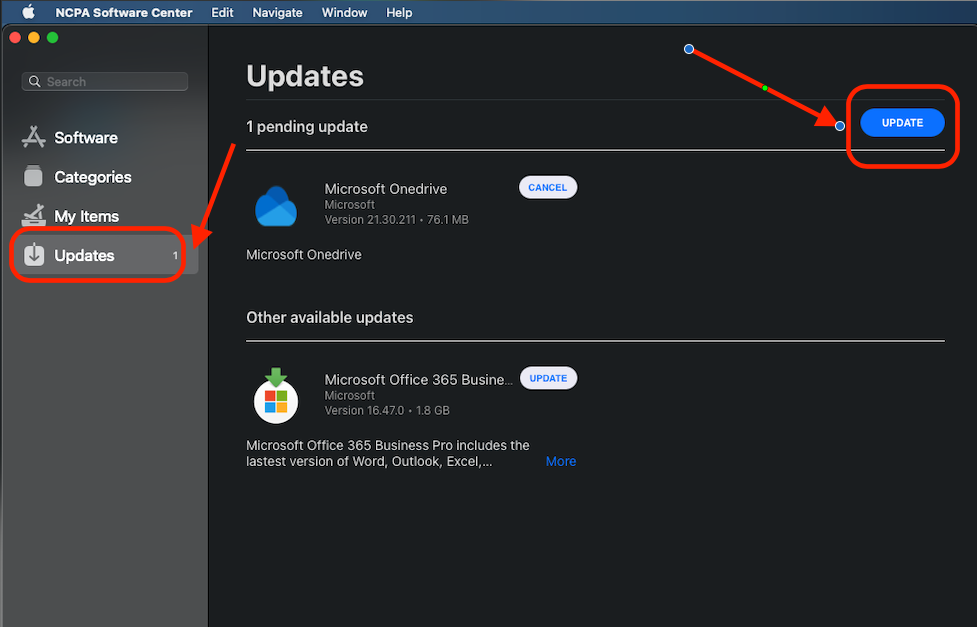
5. Click Updates then click UPDATE to start the installations
Quick links:
How to Install NWEA Secure Testing Browser?
How to Install WIDA MODEL Student Browser?