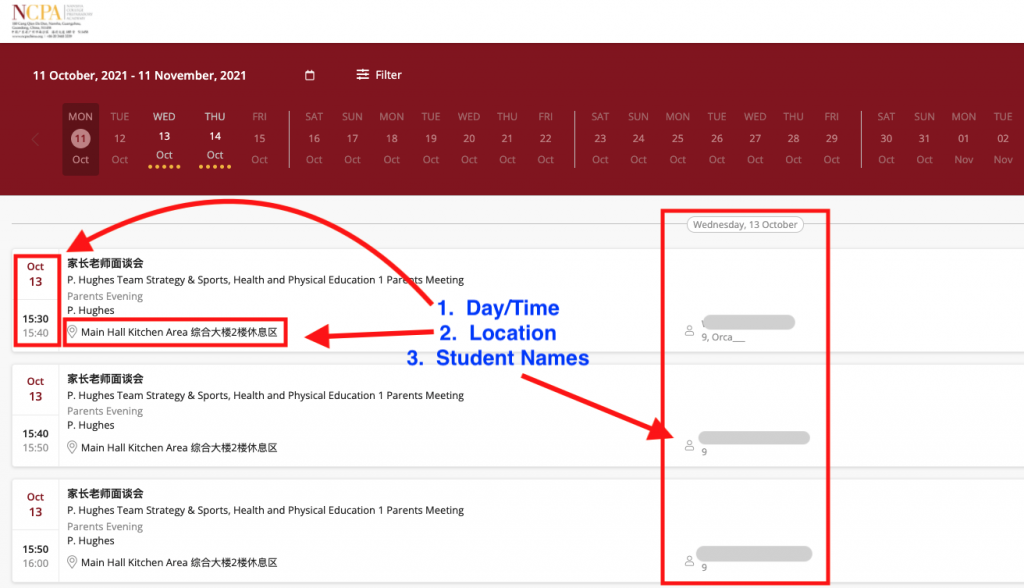
Parents sign up for Parent-Teacher Conferences using Schools Buddy. As a teacher, you can log in to Schools Buddy and check your schedule.
Keep in mind that manual scheduling and updates will occur during Parent-Teacher Conferences. Days and times will not change. Blocks that are open could be filled anytime before the appointment.
It is advised that you keep Schools Buddy open and refresh between appointments so that you have the most up-to-date information.
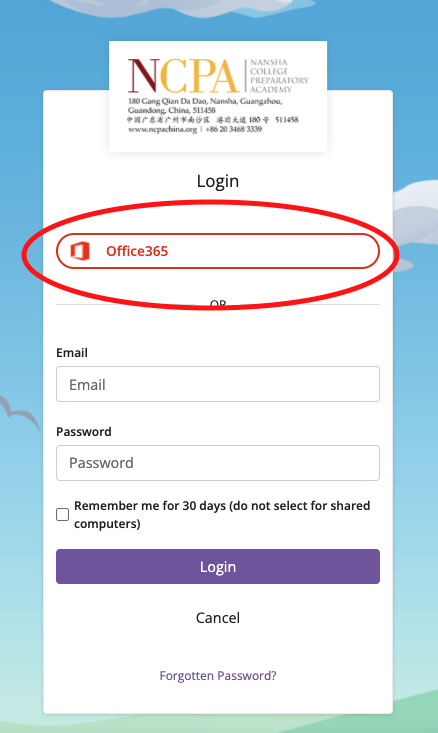
- Go to ncpa.schoolsbuddy.net and login with Office365
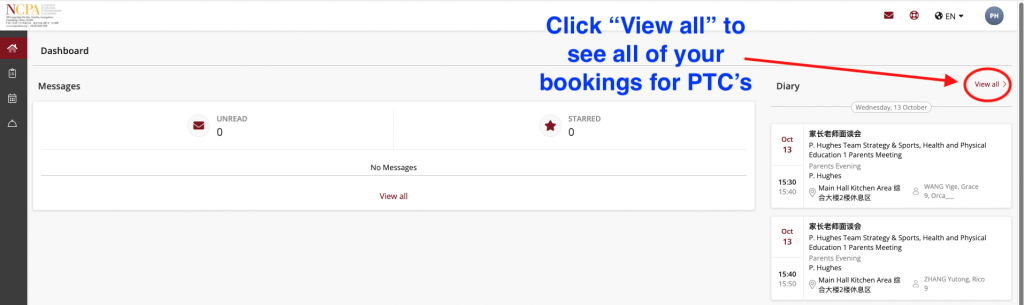
2. On your dashboard, you will see a preview of the bookings on the right-hand side. Click “View all” to see your complete “Diary”, or appointments.
3. Your Diary shows all details of your PTC appointments: Day and time, location, and student name.