Table of Contents
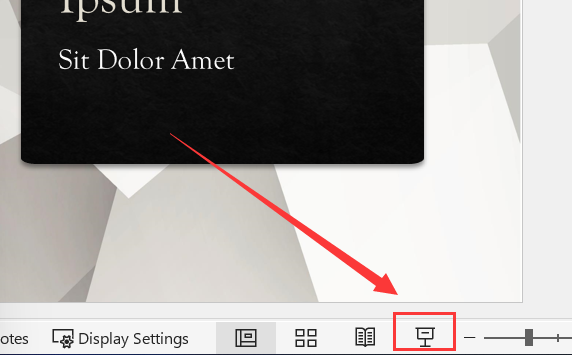
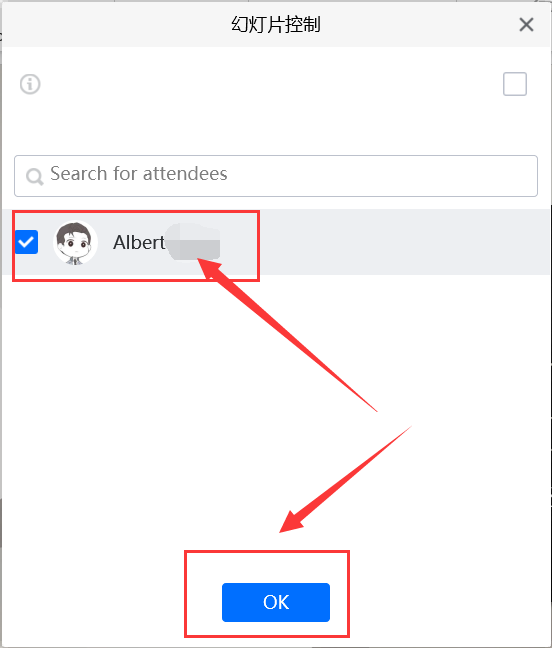
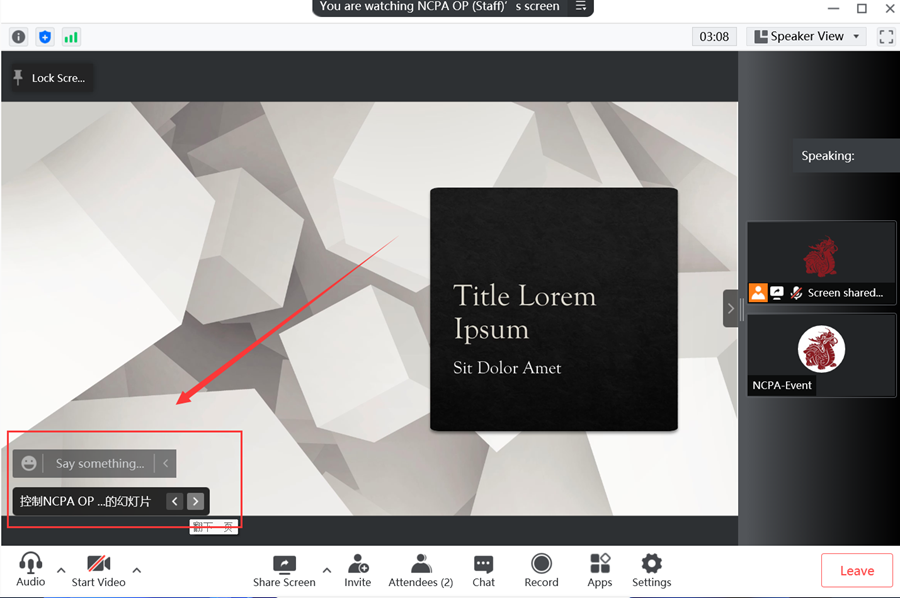
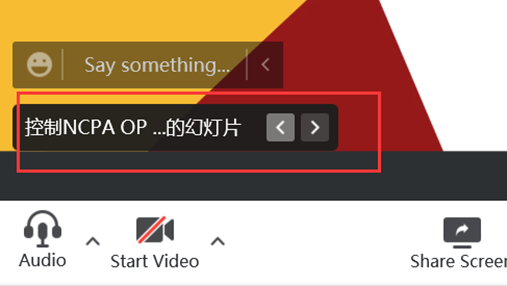
How to remotely control the PPT shared by Tencent Meeting
< 1 min read

GUIS helpdesk | GUIS Information Technology Support Team | GUIS IT Department | Guangzhou Ulink International School
GUIS helpdesk | GUIS Information Technology Support Team | GUIS IT Department | Guangzhou Ulink International School
< 1 min read
The login method for limited content on this website has been changed to GUISCN.COM's NetID, please use the corresponding browser user profile
本网站受限内容的登录方式已更改为GUISCN.COM的网络身份认证,请使用对应的浏览器用户配置文件