
If you want to search your emails for something specific you can use filters to make it easier.
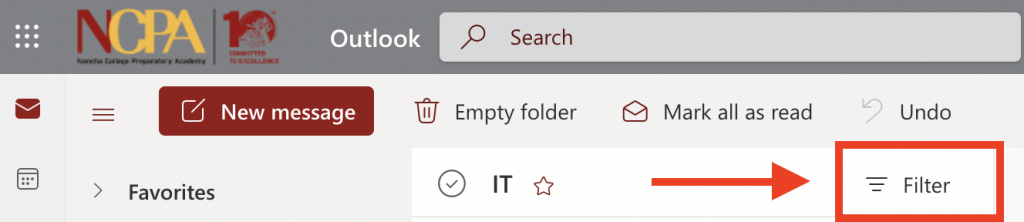
1. Click on a specific folder you want to search, then click FILTER.
2. Select the type of filter you want to use for your search.
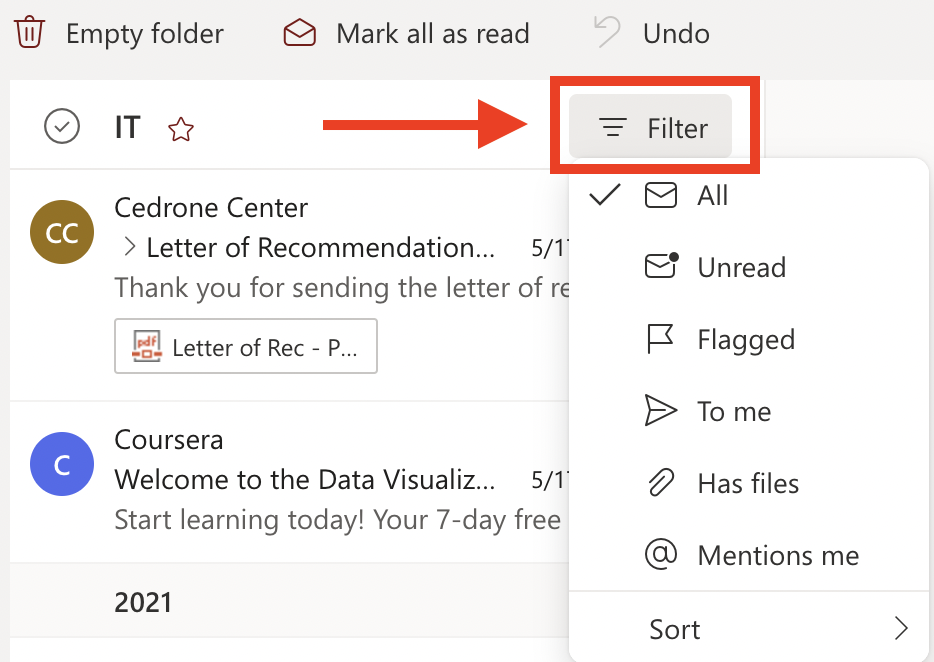
3. Once you have selected a search parameter Outlook will sort that folder based on your selection.
