Table of Contents
This instruction applies to GUIS, NCPA and ULC
This is an RC version, which will be updated in mid/late-July.
On the printer side #
- Touch your ID card to the card reader.
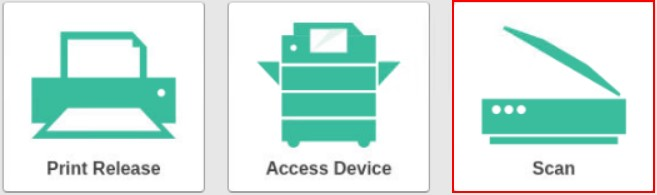
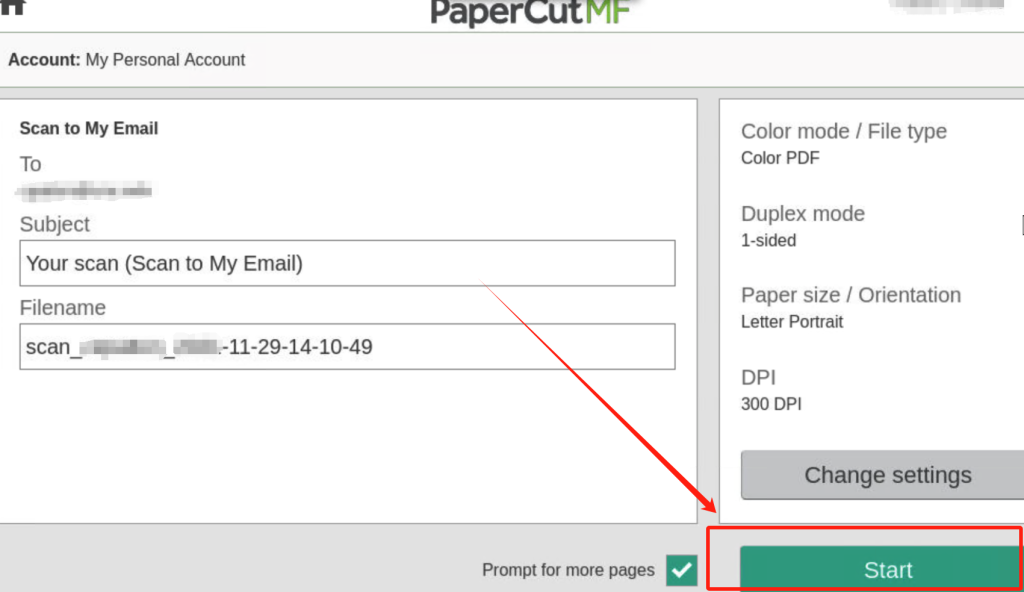
- Use the “Scan” button to scan the document, place the original manuscript in the scanner, and then press “Start”.
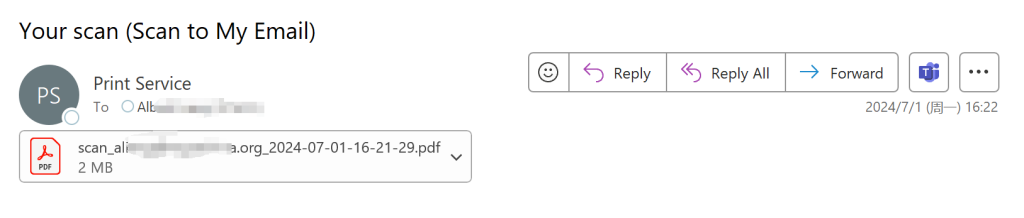
- The scanned file will be sent to your email in PDF format attachment.