Table of Contents
This instruction applies to GUIS, NCPA and ULC
On the printer side #
- Touch your ID card to the card reader.
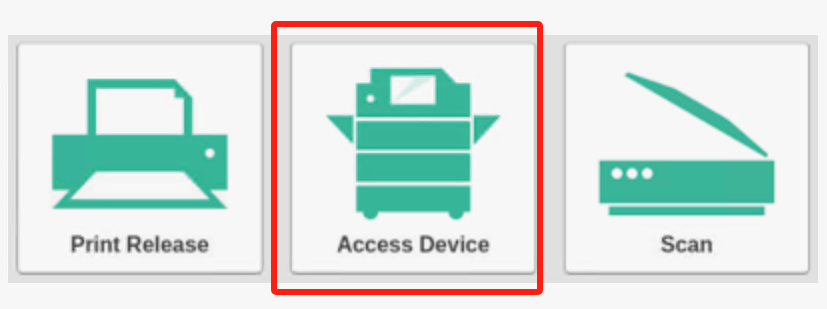
- Use the “Access Device” button to copy the document.
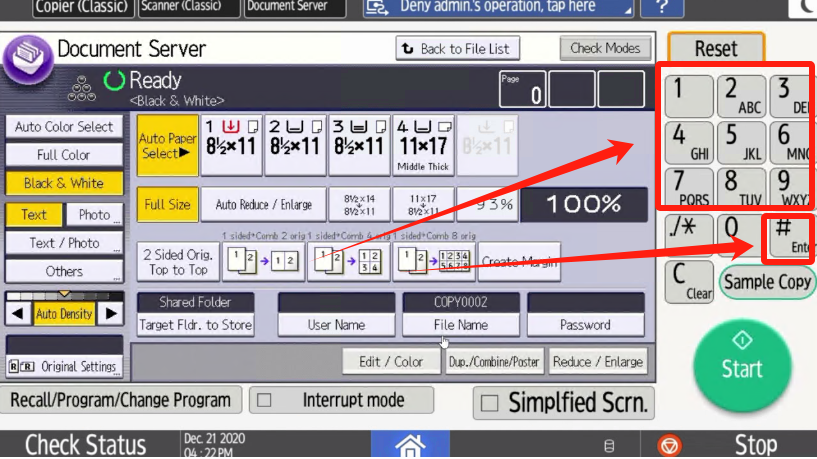
- Enter the number of copies you want in the keypad then press the “#”, if you only need 1 copy, press the “start” button directly.