
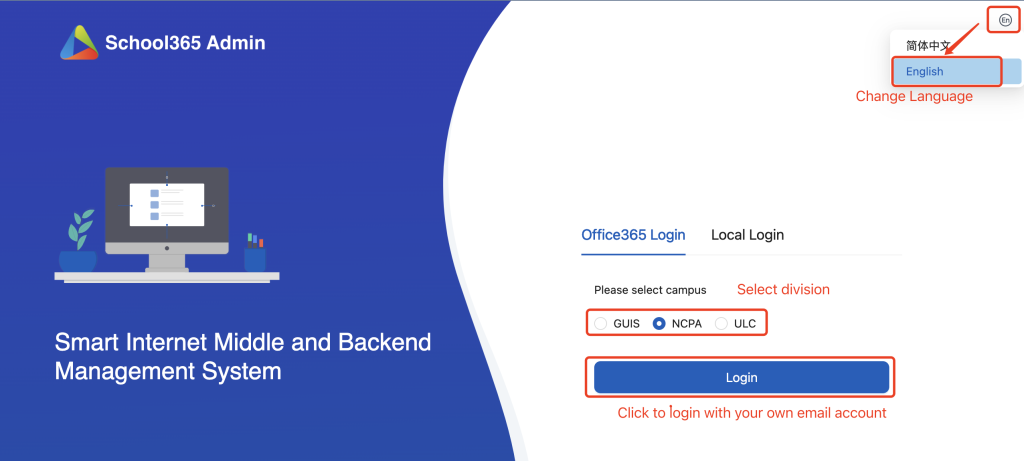
- Login smart campus: https://sc.ulinkcollege.com/nansha-smart-iot
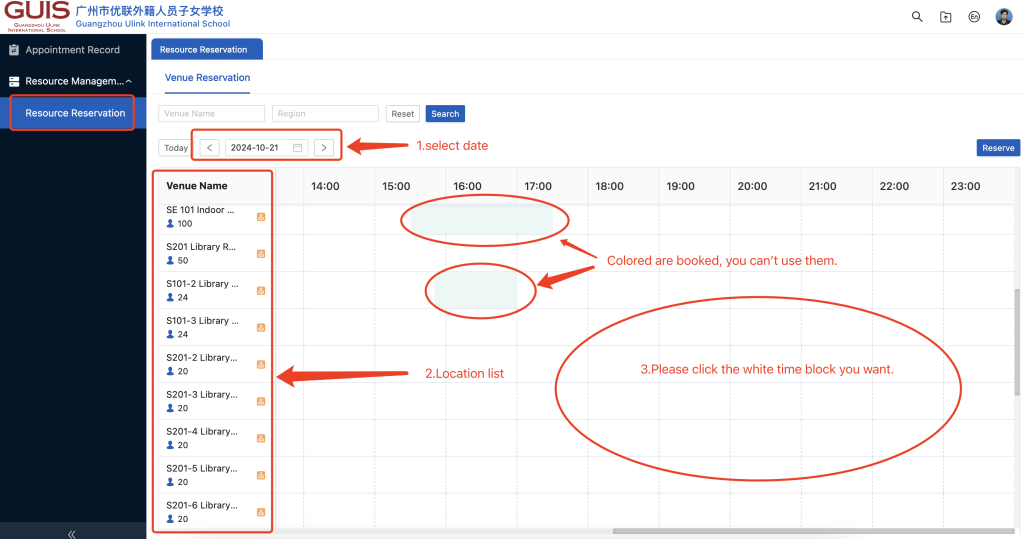
2. Click Resource Management–> Resource Reservation on the left navigation. On the right panel, select the date, and click the right time block you want.
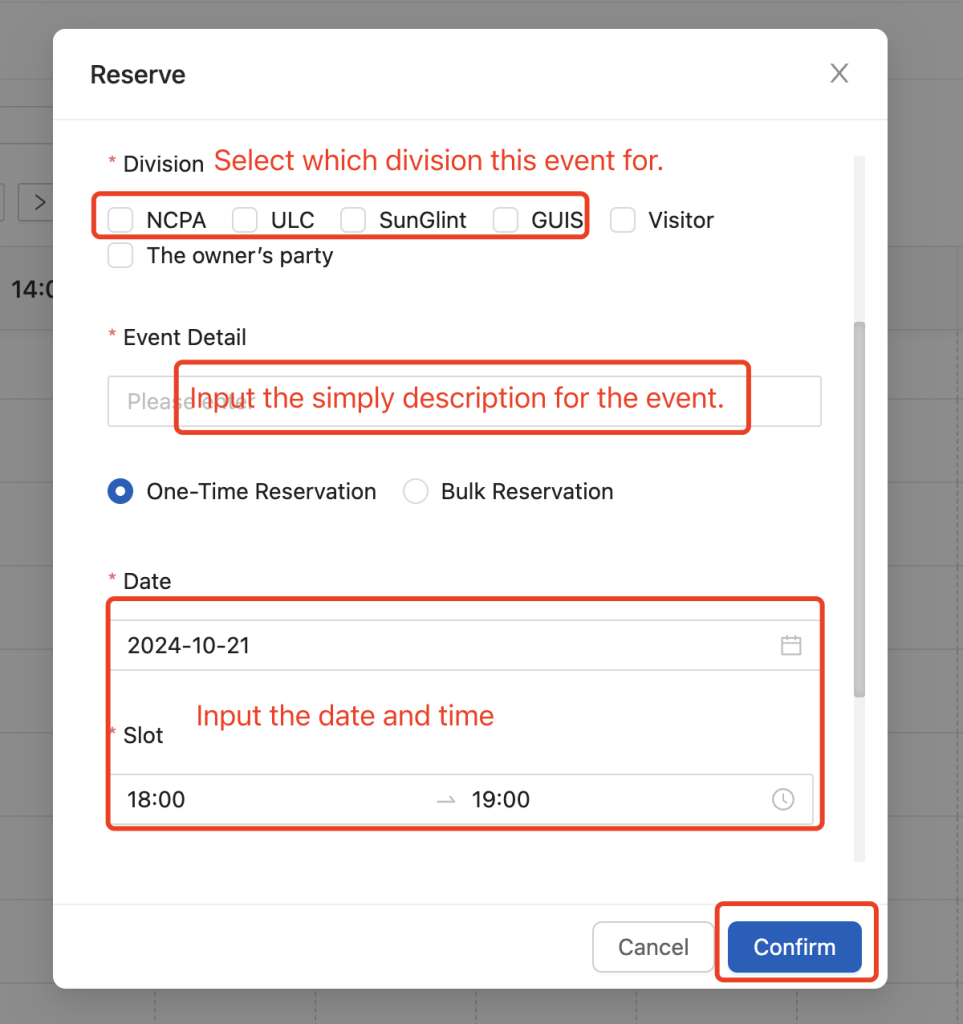
3. On the popup window, input the Venue, Division, Event Detail, Date, time and click the confirm button.
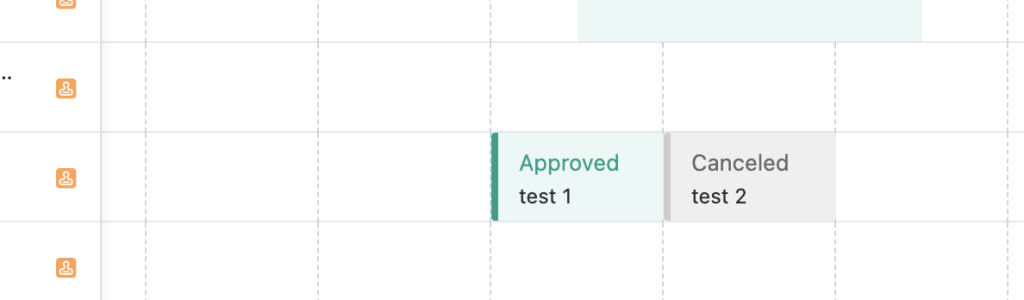
4.After clicking the confirm button, the booking request sent to approver to approve.
Please note that this system does not connect to your Outlook calendar, so after your room booking is approved, suggest you set an invitation on your own Outlook calendar and invite people.